Palit
GPU ARGB Sync
Section titled “GPU ARGB Sync”If your GPU has support for ARGB cable, you will need:
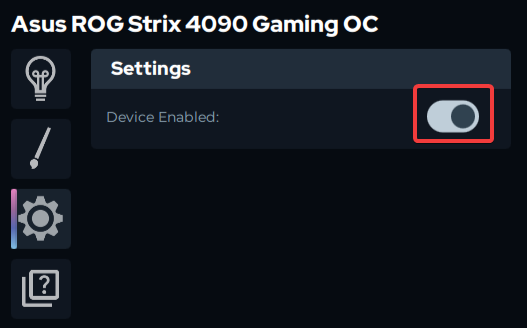
- Disable the built-in GPU (Asus shown as example):
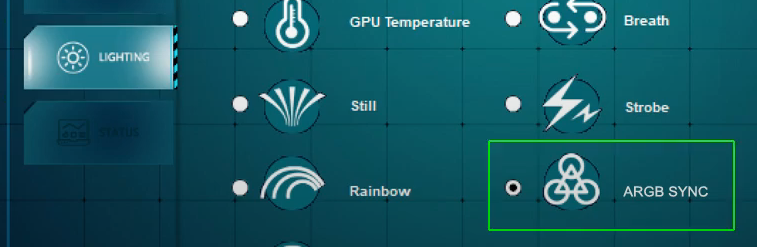
- Enable the “ARGB Sync” mode in the Palit app:
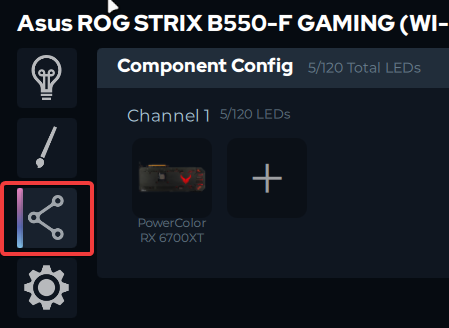
- Now go to the motherboard/controller that you have the ARGB cable plugged in and add a component for your GPU with the total LEDs needed: