

Replacing a Plugin File
Each version of SignalRGB packages its own set of plugins with it, but you can override these with your own plugins by putting them in a specific directory. Plugins in this directory will persist between versions of SignalRGB and will override any built in plugins from SignalRGB.
The steps to side load a plugin are easy:
- Open the custom plugins folder by clicking the Plugins button in SignalRGB’s Device Information page
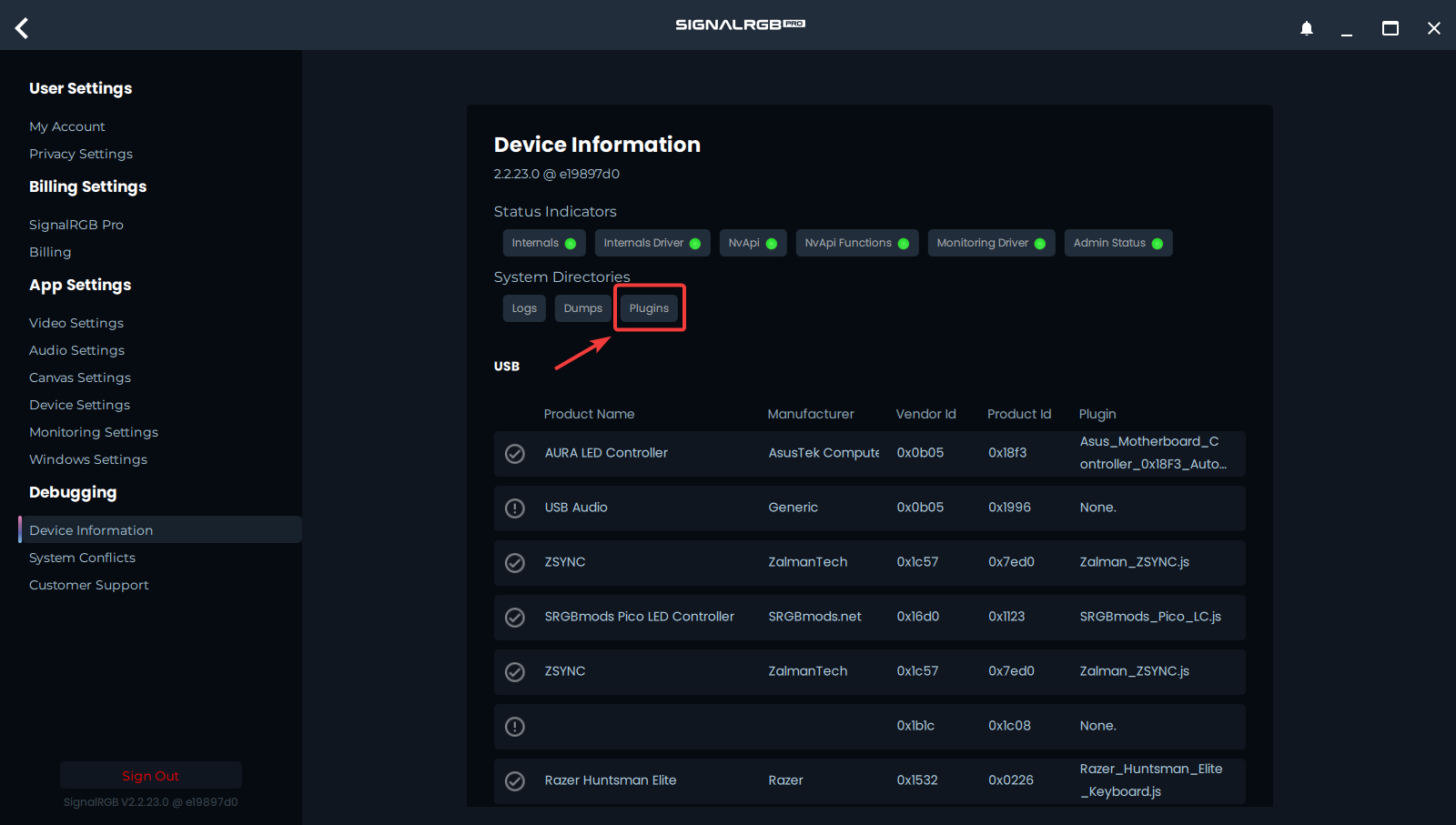
- Place the .js plugin files inside that folder
- Restart SignalRGB to reload the current plugins.