

SignalRGB Freezing or Crashing
Problem
Section titled “Problem”The SignalRGB app freezes or crashes while you are using it.
Solution
Section titled “Solution”To determine the root cause of the issue, please follow these steps:
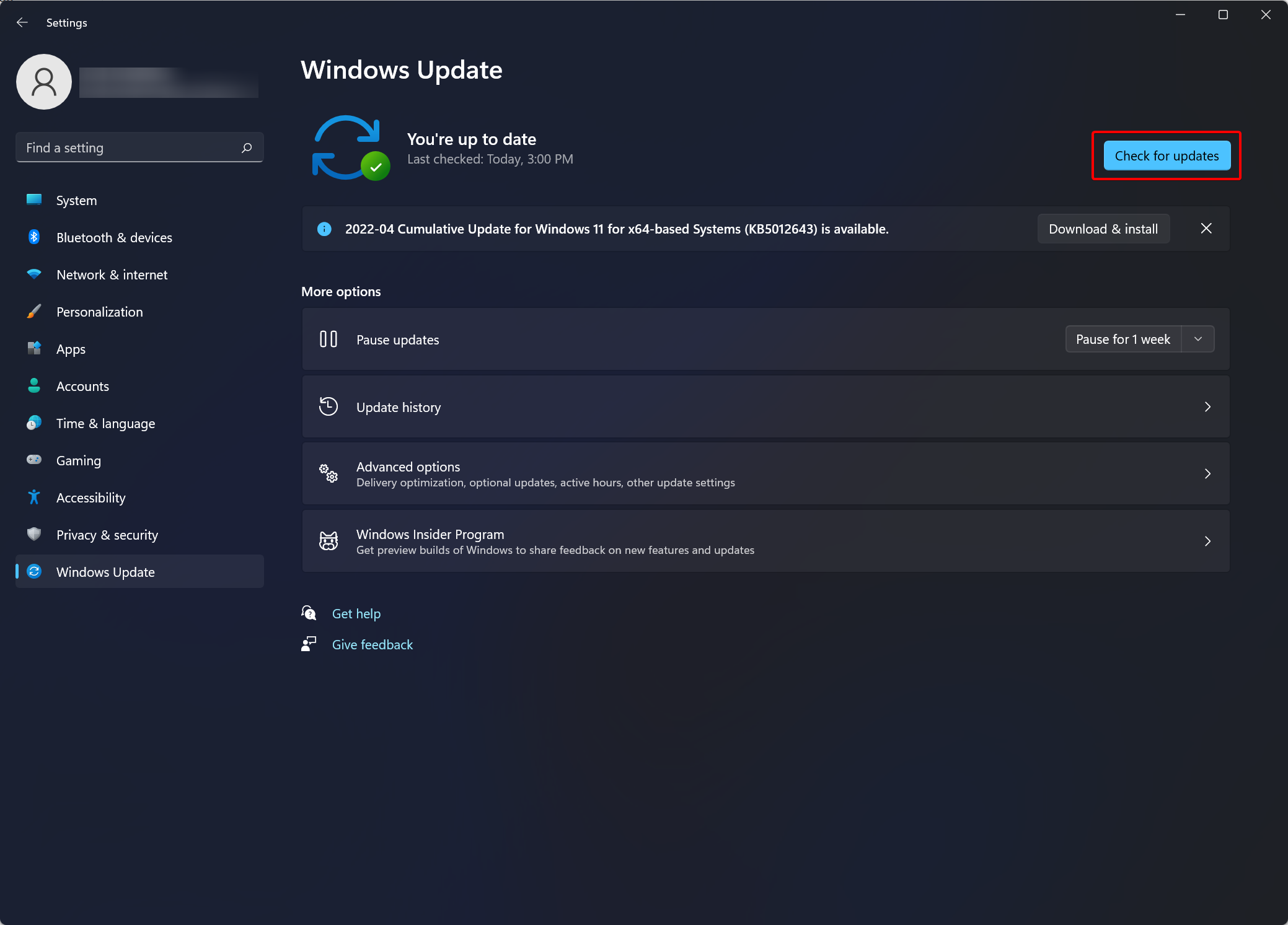
- Ensure that Windows is up to date by clicking Check Update in Windows Settings.
- Ensure your BIOS and Chipset drivers are up-to-date. More information about updating your firmware can be found in this guide.
- Make sure that the folder
%localappdata%\VortxEngine\is in your anti-virus software’s Exclusions List. - Complete a full power cycle of your computer.
- Ensure your C++ runtime redistributables are updated.